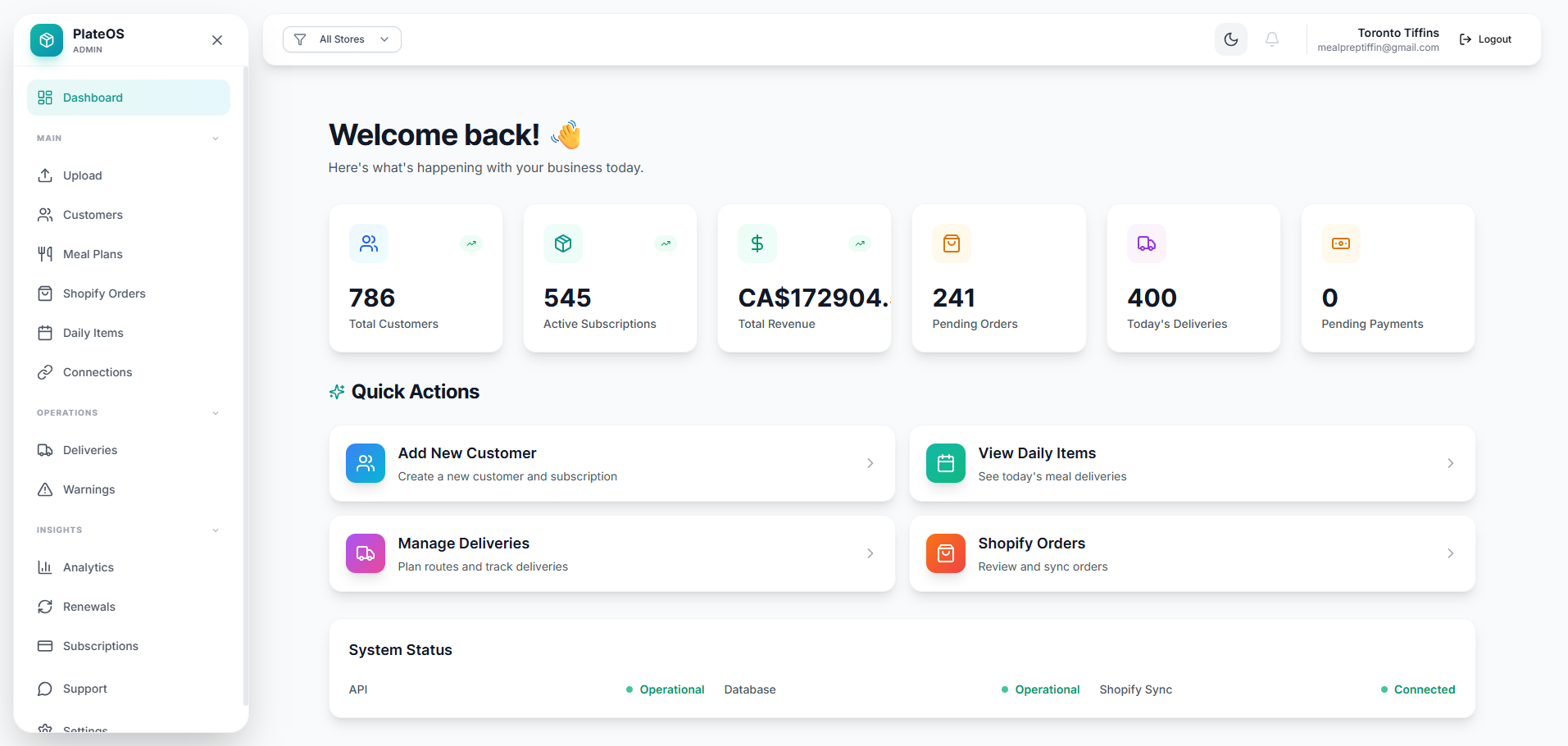
Inside PlateOS: an operations dashboard. This earlier interface shows how the work is connected; current layouts vary.
HOW IT WORKS
From the request to the work behind it.
01
Let each brand keep its identity
Configure stores for the brands you operate. Give each storefront its own content, relevant products and supported domain setup. A customer should see the offer that belongs to the brand they visited, while your team retains the store context behind that order.
Store-specific product selection
Branding in Design Studio
Custom-domain storefronts
02
Bring the team together without flattening permissions
Use the store selector to focus supported operational views on one store or review a wider view where your role allows it. Staff access remains controlled by tenant, role and store permissions. Sharing an owner does not automatically combine separate tenant accounts or their customer data.
One tenant workspace for configured stores
Role and store access controls
Relevant context for kitchen, delivery and support
03
Plan the rollout around real workflows
Start by mapping the brands, catalogues and teams you have today. Decide which store owns each order and which people need access. Additional stores and operational modules have their own pricing; review those costs when planning the setup.
Map existing brands to stores
Configure access deliberately
Add modules for the workflows you need
BEFORE YOU START
A few useful answers.
Can each brand have a different website?
Yes. Store-specific branding and catalogue configuration let you create distinct storefronts, including supported custom domains.
Is this the same as merging separate tenant accounts?
No. Multi-brand operation here means configured stores inside one tenant workspace. Separate tenants retain their own data and access boundaries.
 PlateOS